Contextual Chat & Discussions
Stop hunting for proofs in WhatsApp and emails.
Tasks, notes and schedules remain connected to the Dock where the work began. Never lose context copying data between disconnected applications. Upload Before & After picture proofs instantly, ensuring every decision and visual update is securely logged where it belongs.
Task: Electrical Wiring
Assigned to: Kenny Wong • Due: 24 Sep
Built for accountability and clarity.
Contextual Task Chats
Instead of creating messy group chats, every task and project note has its own dedicated discussion thread. Find exact decisions exactly where the work is happening.
Visual Proof Tracking
Users can upload up to 3 media files (images or videos) per message. This is perfect for capturing "Before & After" shots on renovation sites to avoid client disputes.
Replace Scattered Apps
Eliminate the need to jump between Microsoft Teams, Slack, emails, and WhatsApp. Keep all internal communications, files, and visual proofs centralized in LiaLoop.
The High Cost of Scattered Communication
For agencies and contractors, miscommunication is expensive. When a project manager needs to verify if a task is done, hunting through weeks of WhatsApp voice notes, email chains, and Slack channels is a massive waste of time. LiaLoop solves this by locking the conversation directly to the task.
Want to view the full story? arrow_forward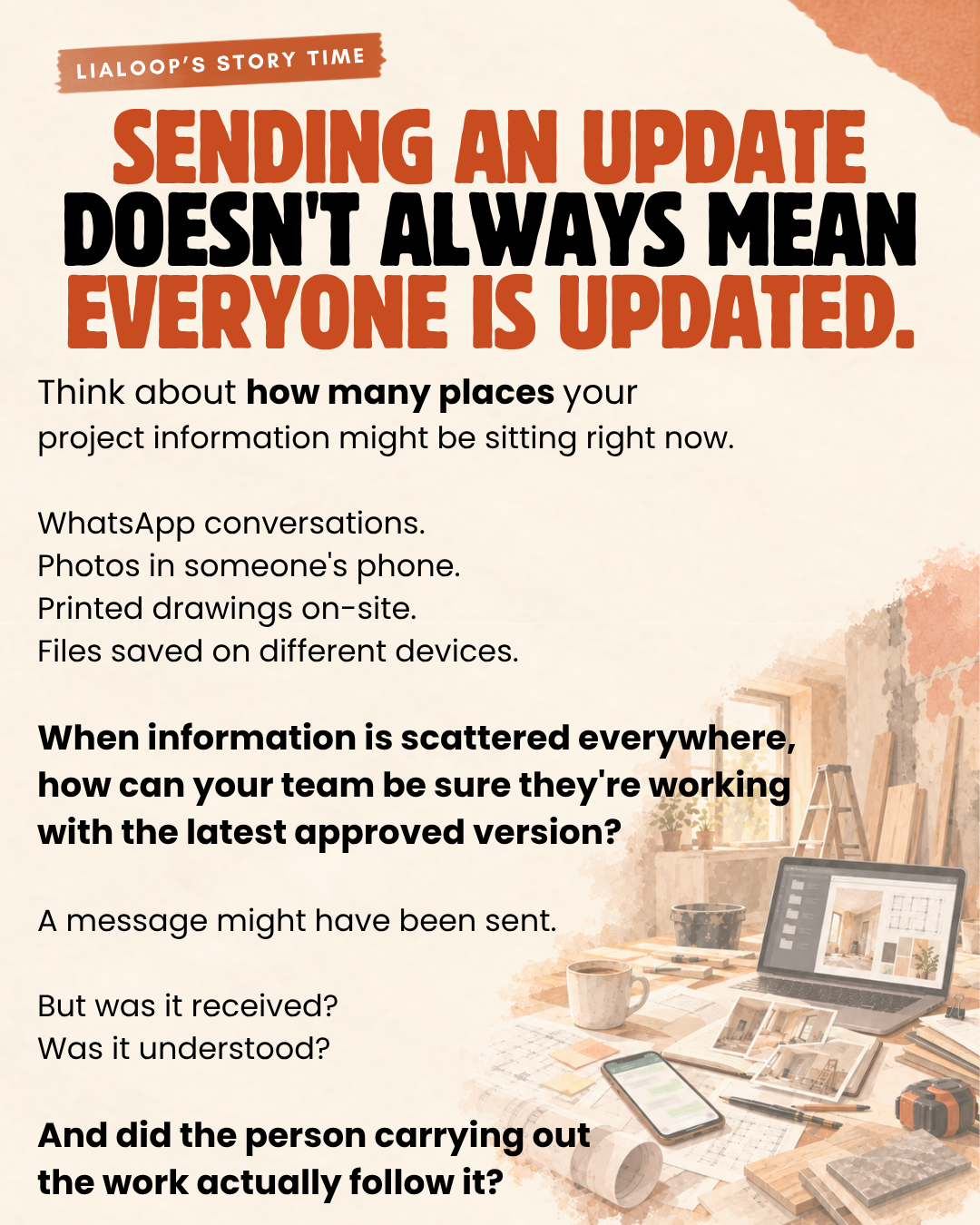
"Before & After" Proof Tracking
In physical industries like construction, renovation, and maintenance, visual proof is your ultimate defense against scope creep and client disputes. Our chat system is optimized for field workers to quickly upload images, videos and files while messaging. By submitting "Before" and "After" photos directly into the task chat, the project manager gets instant, undeniable proof of completion.
Note Discussions for High-Level Planning
Not every conversation belongs in a micro-task. That's why every project in LiaLoop features a dedicated "Note Discussion" page. This allows business owners, clients, and managers to brainstorm, share broad project updates, and upload general files in a centralized, easily traceable forum that sits perfectly alongside the granular task chats.
Frequently Asked Questions
Where can users chat within the platform?
Users can chat directly on specific task details pages or within the dedicated Note Discussion page for each project. This ensures that every conversation is linked to the correct context.
How many files can I attach to a single message?
Users can upload up to 3 media files (images or videos) and file attachments per message. This limit encourages clear, concise updates and is perfect for Before & After picture proofs.
Does this replace Slack, Teams, or WhatsApp?
Yes! Because the chat is built directly into your project tasks and notes, you no longer have to hunt through scattered third-party apps to find a specific photo, file, or executive decision.
Keep your team on the same page.
Stop hunting for lost photos in WhatsApp. Start chatting directly on your tasks.